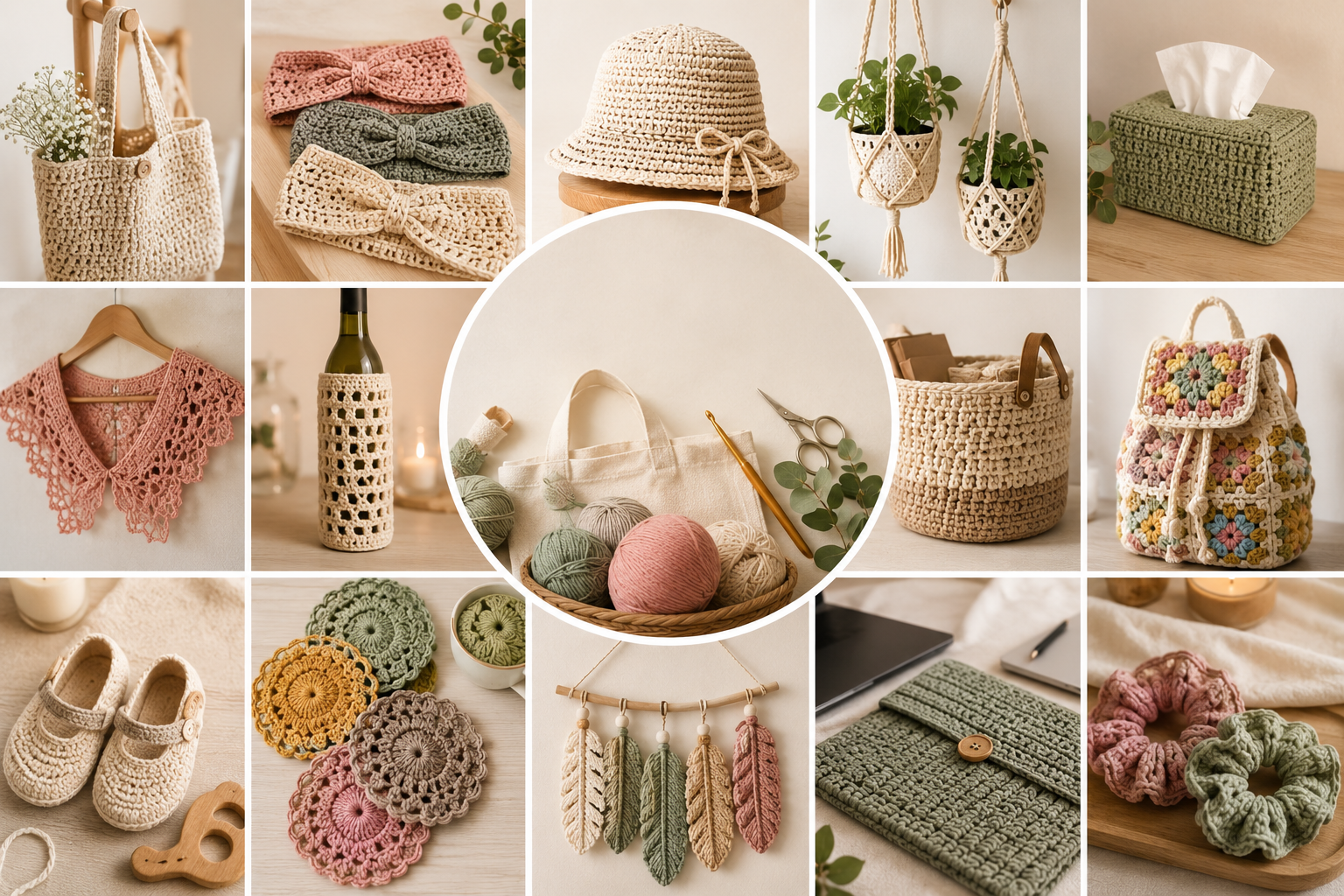
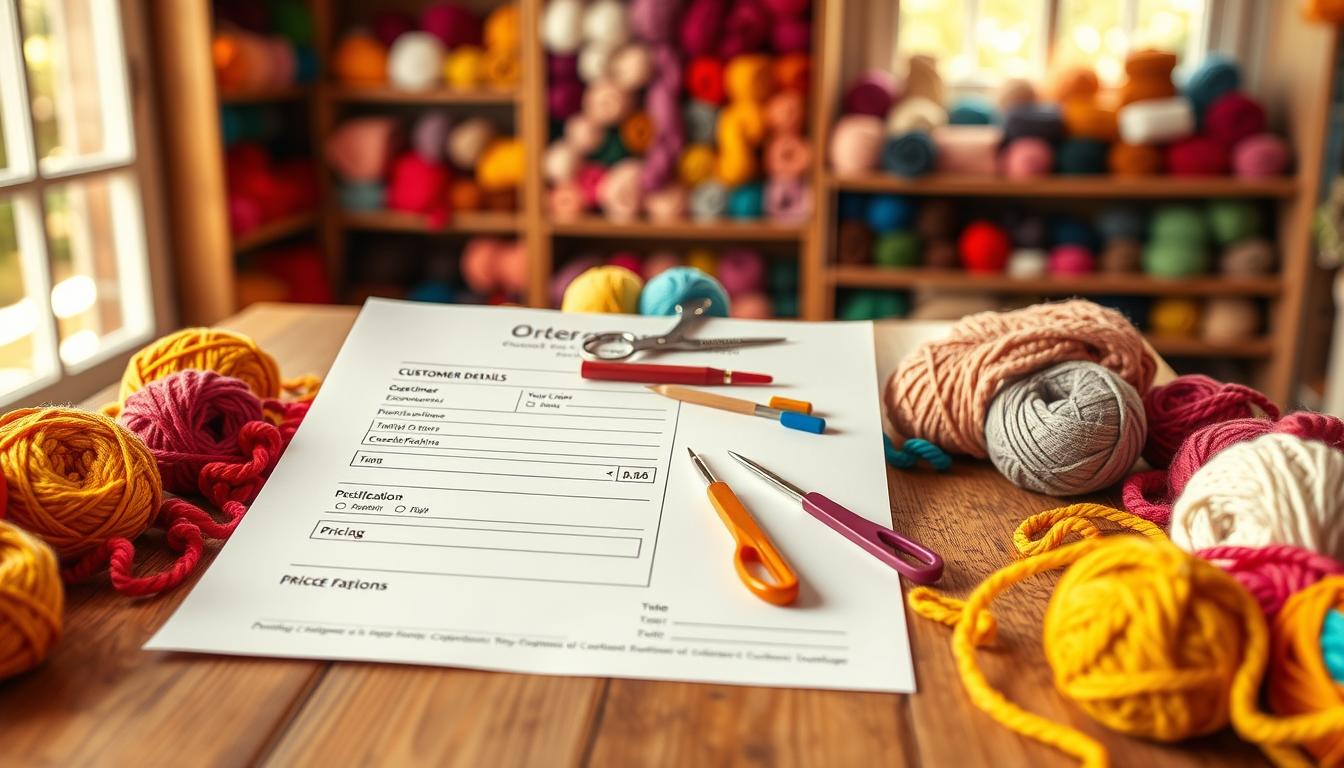
Start strong with a clear intake process. Using a simple crochet order form template helps makers collect the key details they need before beginning a custom piece. This prevents back-and-forth messages that slow projects and hurt timelines.
A well-crafted order form ensures customers provide measurements, color choices, deadlines, and any special requests up front. That clarity protects your time and reputation as a small business owner.
Linking to a consistent intake form streamlines how you accept new requests. Standardized templates make it easier to track orders, set clear expectations, and scale your process without losing quality.
In short, a professional intake system frees you to focus on making, not chasing missing details. The next sections show what to include and how to set up a seamless intake flow for repeatable results.
Why Custom Crochet Commissions Require a Structured Intake Process
Clear intake steps turn complex custom requests into predictable, manageable projects.
Custom commissions often hinge on technical choices like yarn weight and fiber type. A concise order form helps capture these details so makers can select the right materials and avoid costly mistakes.
Standardized forms also guide customers through sizing, color, and deadline decisions. When clients provide complete information up front, you spend less time on clarifications and revisions.
Use a professional crochet order form to centralize requests and keep communication clear. That protects both the maker and the customer and raises the perceived value of your products.
- Reduces revision rounds and missed specs.
- Creates a consistent workflow for small businesses.
- Helps deliver the final product that matches the vision.
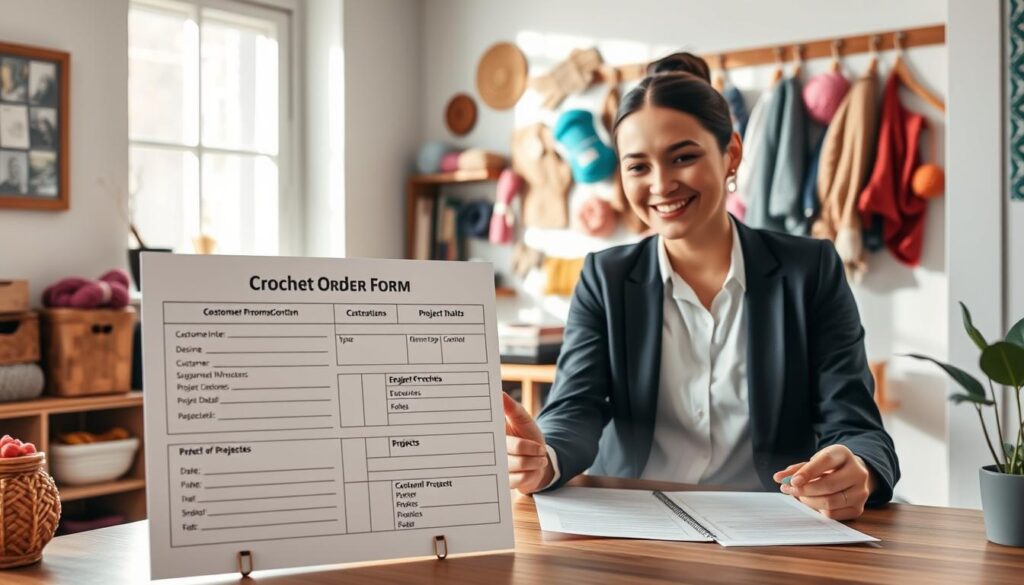
| Benefit | Risk Without Intake | Mitigation |
|---|---|---|
| Accurate materials | Wrong yarn or color | Use checklist fields |
| Faster turnaround | Repeated questions | Standardized answers |
| Professional image | Unclear expectations | Confirm specs in writing |
Essential Fields for Your Crochet Order Form Template
Begin each intake with clear contact fields and concise product details to speed communication and planning.
Customer Contact Details
Create dedicated fields for name, email, and phone so you can reach customers quickly. Add an address field when delivery or local pick-up matters.
Include a short consent checkbox for communication and a preferred contact method to reduce missed messages.
Item Specifications and Sizing
Add a specific field to categorize items (blanket, garment, toy) and a short description box for special requests.
Collect precise measurements for wearable products. Offer size charts or simple prompts so customers give useful information.
Material and Color Preferences
Provide dropdowns for yarn type and fiber, plus color swatches or a multi-select for preferred colors.
Ask about the item’s intended use to recommend durable fibers or machine-washable options.
Allow a file upload field so customers can attach inspiration photos or reference images. Embed this on your website to make submissions simple and quick.

| Field | Purpose | Example Input |
|---|---|---|
| Contact name | Reach and billing | Jane Doe |
| Item type | Categorize work | Baby blanket |
| Measurements | Ensure correct fit | 30″ x 40″ |
| Yarn & color | Material selection | Wool blend — teal |
| Upload | Visual reference | Photo file (JPEG) |
Leveraging Conditional Logic for Complex Customizations
Conditional logic makes intake smarter and faster. A smart order form adapts to each selection so customers see only relevant questions. This keeps submissions concise and reduces back-and-forth on details.
Using Logic for Fiber and Measurement Variations
Set rules so sizing fields match the chosen item. If a customer picks a baby blanket, show dimension fields instead of garment measurements.
Use conditional menus for yarn and color options. That way, customers view fibers that suit the product type and intended use.
- Show only needed fields based on item type to speed completion.
- Display yarn choices when material matters, hide them otherwise.
- Collect precise measurements and color preferences only when relevant.
- Reduce clarification time so you can focus on making the product.
| Selection | Shown Fields | Benefit |
|---|---|---|
| Baby blanket | Dimensions, wash instructions | Accurate size and care info |
| Sweater | Chest, sleeve length, yarn weight | Better fit and material choice |
| Toy | Safety notes, color palette | Safer, clearer requests |
When you use form logic well, customer responses become precise. That leads to faster approvals and smoother delivery of custom orders.
Integrating Pricing and Payment Workflows
Automating price adjustments based on selected options reduces guesswork and speeds approvals.
Use a product basket field to list items with base prices and add-on options. This lets totals update automatically when customers pick sizes, materials, or extras.
Connect the intake to payment processors so customers can pay a deposit or full amount when they submit the order form. That makes confirmations instant and cuts administrative work.
Integrate with tools like Slack, Zapier, and HubSpot to get notifications and sync contact details into your CRM. Many makers still send a formal quote via email after submission, then confirm payment before starting work.
Automated pricing keeps complex items priced fairly and reduces errors. It also helps small businesses scale by saving time on invoices and follow-ups.
| Feature | Benefit | Example |
|---|---|---|
| Product basket | Dynamic totals | Base price + add-ons |
| Tool integrations | Instant alerts | Slack, HubSpot, Zapier |
| Payment capture | Faster confirmations | Deposit or full pay |
Best Practices for Sharing Your Crochet Order Form
Put your intake where people already look—your site, social feeds, and inbox—to capture more requests.
Embedding on Your Website
Use a reliable form builder like forms.app to get a unique embed code. Paste that code into a visible page so visitors can start the process without leaving your site.
Keep the embedded section near your shop or FAQ. That makes it simple for customers to find your contact fields and add their name and details.
Sharing via Social Media and Email
Share the direct link on social media with a clear call to action. Write a short caption that tells followers what to expect and what info to include.
Send the link in newsletters and one-off emails for repeat buyers. That keeps your workflow tidy and captures responses in one place.
“Make the process so simple that clients only need minutes to submit files and delivery details.”
When you use sharing tools, all responses funnel into the same tool. That centralizes data, reduces manual tracking, and helps your small business manage new items and requests quickly.
Enhancing Customer Experience Through Visuals and Inspiration
A visual-first intake helps clients show exactly what they want and reduces back-and-forth.
Adding clear images and a gallery of color options to your intake makes selections faster. Customers can compare yarn swatches, see finished products, and pick the best color and style for each item.
Include a file upload field that accepts many media types so clients attach reference photos or sketches. That single field captures visual details that short text fields miss.
Use a professional form builder to arrange images, dropdowns, and a simple file upload button. This keeps your website layout on-brand and easy to navigate for customers.
- Display high-quality product photos to inspire new requests.
- Offer color swatches so customers choose faster and more accurately.
- Allow multiple file types so references arrive ready to use.
| Feature | Benefit | Best use |
|---|---|---|
| Image gallery | Inspires choices | Show past products |
| File upload | Clear direction | Attach reference photos |
| Color swatches | Fewer revisions | Pick yarn and color |
Visual cues reduce clarifying questions and speed delivery. With the right images and upload options, customers submit richer responses and you produce better products, faster.
Conclusion
A clear intake system saves time and builds client confidence. Use a simple order and form setup so requests arrive complete and easy to act on.
Collect key details like measurements, color choices, and project notes up front. This protects your schedule and helps you deliver consistent crochet work that meets expectations.
Integrate forms with your email and workflow tools to automate confirmations and stay organized as demand grows. That keeps communications seamless and clients happy.
Start using these practices today to streamline submissions and give every customer a reliable, professional experience.